Workflow Automation
Visual Workflow Builder for Field Operations
Built a visual workflow editor where teams create operational procedures with steps, branches, and loops, then execute them on Android devices. The hard part: making sure the web editor and Android executor interpret the same workflow the same way, even when the device goes offline.
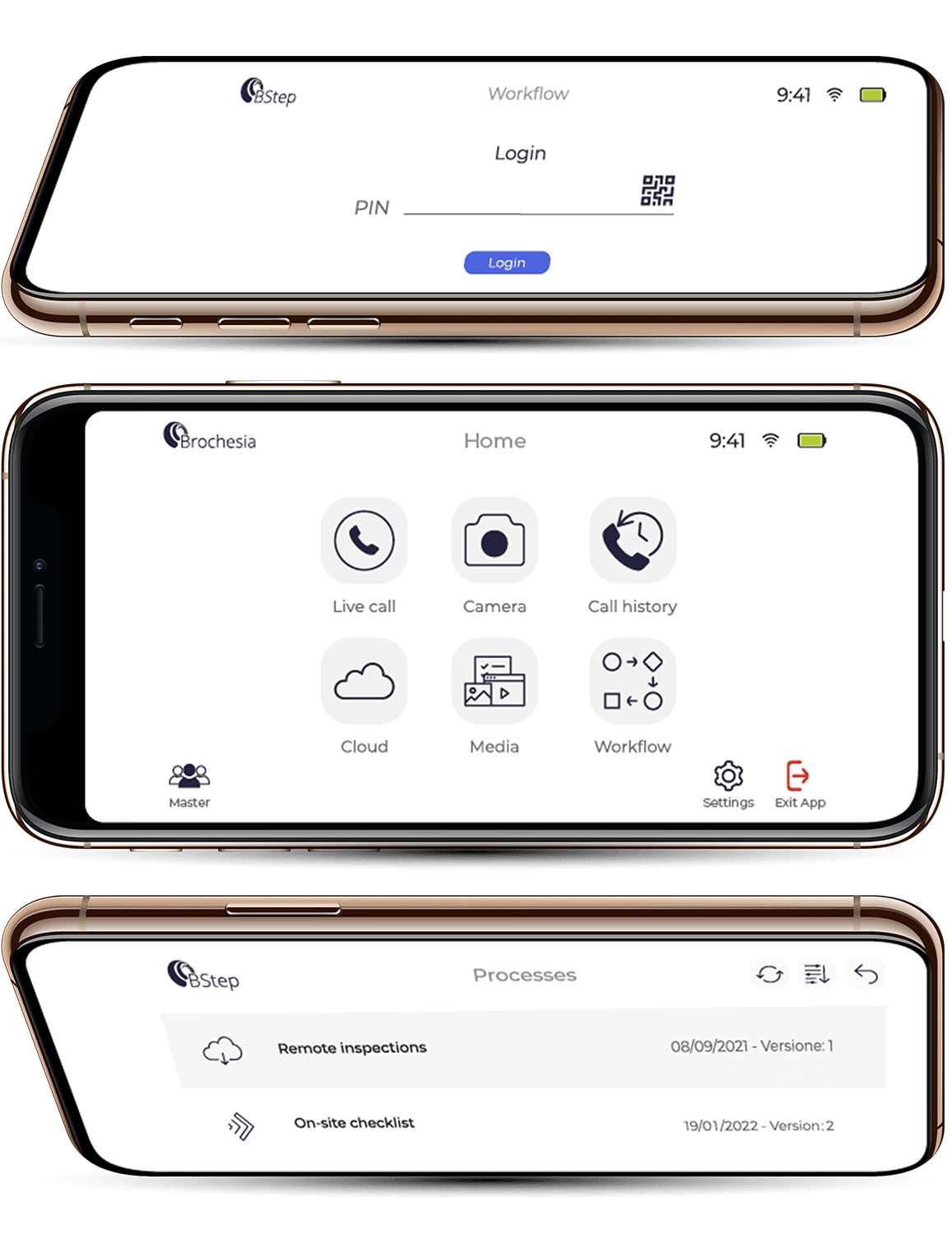
Teams use the web editor to create operational procedures: inspection checklists, maintenance routines, safety protocols. These workflows can have branches ("if valve pressure > 100, do X") and loops ("repeat until temperature stabilizes"). The challenge: the web editor and Android executor must interpret the same workflow identically, even when the device loses connectivity.
01 / The problem
Canvas vs execution
A canvas can display convincing arrows even when the stored procedure contains missing targets or disconnected paths. If the editor and executor interpret different representations, a visually valid workflow may not run as its author expects.
The web editor is a visual tool: drag nodes, draw arrows, set conditions. But the Android executor needs a precise graph structure: nodes with IDs, transitions with conditions, entry and exit points. The challenge: make sure the visual representation matches the execution model.
I built workflow-building and traversal logic around a graph of steps and transitions. The editor is a view of that model, not the model itself. When you save a workflow, you're saving the graph, not the canvas state.
02 / Handling loops
Support intentional loops without infinite loops
Some procedures legitimately repeat until a condition changes: "check temperature, if not stable, wait 5 minutes, check again." Rejecting every cycle would remove that capability. Following every edge without explicit semantics can trap the operator in endless repetition.
I treated cycles as a domain requirement, not a bug. The graph model supports loops, but each loop must have an exit condition. The executor tracks iteration count and can break out if a loop runs too many times (configurable per workflow).
Self-loops, two-node cycles, and disconnected branches are useful test cases because they expose errors that long linear examples miss. I built a test suite that generates random graphs with cycles and verifies the executor handles them correctly.
03 / Offline execution
Carry workflows into Android execution
Field operators often work in areas with no connectivity. The Android app needs to execute workflows offline, then sync results when connectivity returns. The challenge: the workflow definition is authored on the web and consumed from device-held data.
I used Realm for local storage on Android. When a workflow is published on the web, it's synced to the device's Realm database. The executor reads from this local copy, not from the network.
The tricky part: versioning. If a workflow is updated on the web while a device is offline, the device might have an old version. I implemented version checks: when the device reconnects, it compares its workflow version with the server version and downloads updates if needed. A partially updated definition must not leave steps pointing to missing or incompatible transitions.
Impact: reduced workflow configuration time by 50%. Supported approximately 100 client organizations.
Evidence & further reading